Machine Learning and CRM: Automating Without Losing the Connection
automatisations
sales
Intelligence artificielle
Stratégie IA
A self-driving CRM creates deals, advances leads, and drafts follow-ups automatically. For SMEs and scale-ups, the challenge is capturing these productivity gains without losing the human connection that wins business. Learn how to activate ML in your CRM while keeping relationships at the center.
décembre 30, 2025·8 min de lecture
A CRM that moves on its own is more than just a slogan. It is a system where deals are created automatically, where leads advance from one stage to another at the right moment, where tasks emerge all by themselves after every meeting, and where follow-up emails are drafted without friction. The challenge, for an SME or a scale-up, is to capture these productivity gains without losing the quality of the human connection that wins business.
In this article, we show you how to activate machine learning in your CRM to automate movement, while keeping relationships at the center. You will find a realistic implementation plan, guardrails, and metrics to measure value.
What is a CRM powered by machine learning?
An "AI" CRM detects signals, makes simple decisions, and proposes or executes actions. It combines explicit rules and AI models, from scoring algorithms to modern language models. The goal is twofold: reliability and relevance:
reduce repetitive work (data entry, copy-pasting, standard follow-ups),
improve data quality and pipeline speed, without degrading personalization.
If you are just starting, revisit the fundamentals of CRM and Lead Scoring. Only then should you plug in AI components.
What your CRM can do on its own starting today
1) Deals create themselves
How it works: a classifier detects high-intent incoming emails, extracts contact details and company info, deduplicates, then creates a contact and opportunity with the right owner and source. Same for forms, chat, and transcribed inbound calls.
Guardrails: Minimum confidence threshold for creation, duplicate control, origin log, and ability to cancel. The first time, activate a "suggestion" mode that requires sales approval.
2) Leads advance automatically in the pipeline
How it works: a model predicts the probability of moving from one stage to the next by reading multi-channel signals, e.g., email read, meeting held, product pages visited, budget mentioned in call, documents shared. If the evidence is strong, the CRM changes the stage and creates a todo for the next step.
Guardrails: Log the why (explainability), prevent automatic back-and-forth, and require human confirmation for any action that modifies forecast or closing probability. This alignment often falls to the RevOps x GTM Engineer duo.
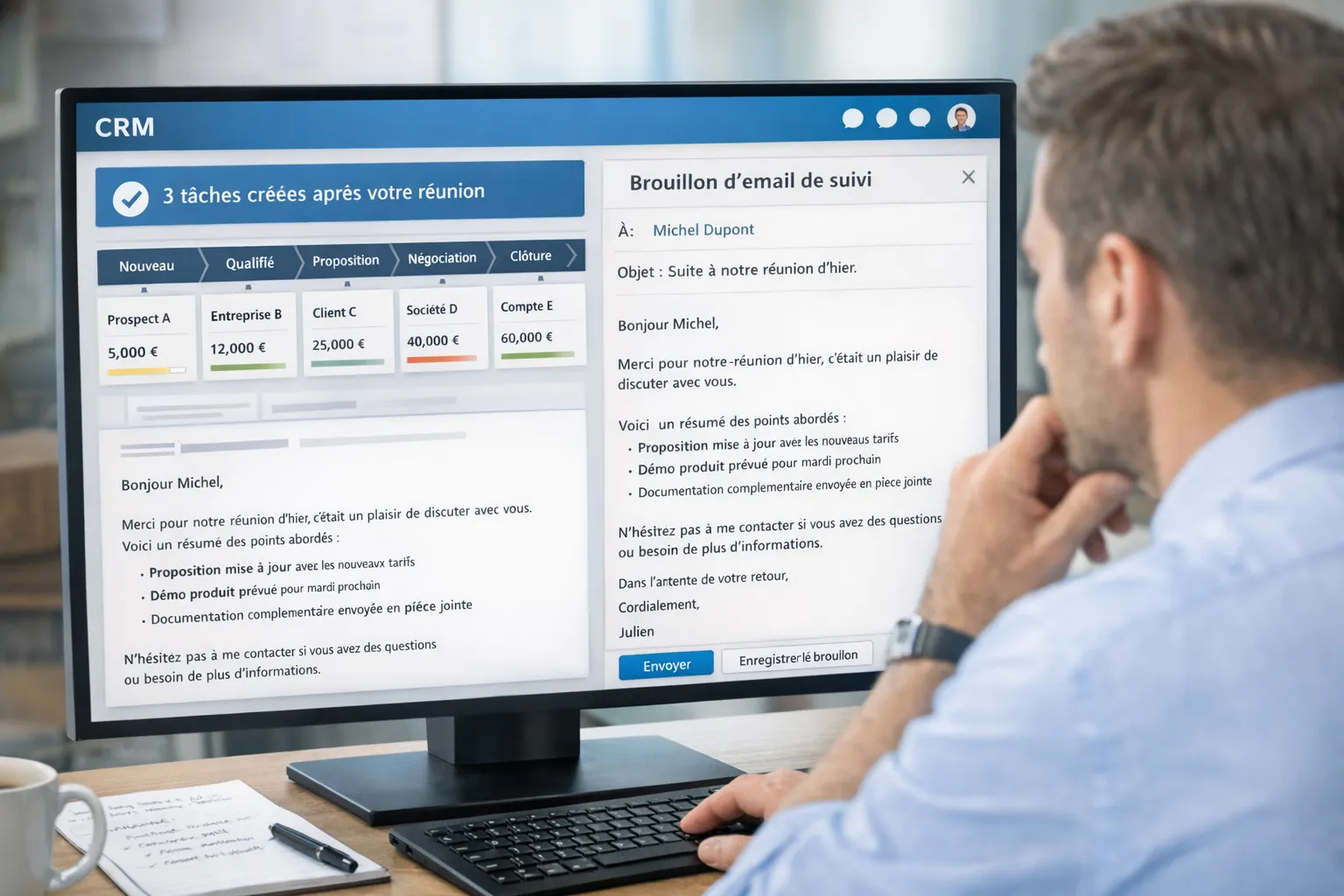
3) Tasks are created after every meeting
How it works: by retrieving the recording, a transcription summarizes, extracts decisions and actions, and pushes dated tasks to the CRM and calendar. The meeting note is filed neatly in the opportunity.
Guardrails: Limit access to recordings, review proposed actions, and avoid creating vague tasks. Prefer templates per pipeline stage.
4) Follow-up emails draft themselves
How it works: a language model drafts a contextualized email based on the meeting note and shared documents, anchors facts via an internal product base (see RAG), and proposes 2 or 3 tone variants. The salesperson validates and sends in one click.
Guardrails: Never send automatically without review on strategic accounts, respect follow-up frequency, and respect GDPR. For prospecting, follow CNIL recommendations on commercial prospecting.
Reference architecture, without vendor lock-in
Signal collection: email and calendar, forms, site chat, calls and video conferences, product usage if you are in SaaS. Each event is normalized and timestamped.
Orchestration: deterministic workflows for sure cases, agents for multi-step sequences. See also the Model Context Protocol (MCP) to properly connect your agents to your data.
Traceability: logs per action with reason and confidence score, and ability to "rewind" in case of error.
For email sending and content, documentary anchoring like robust RAG in production avoids inaccuracies and protects your brand.
Typical automations and guardrails
Use Case
Signals Exploited
ML/AI Technique
Human Guardrails
CRM Field Updated
Auto opportunity creation
Incoming email, form, signature
Entity extraction, probabilistic dedup
Validation required below threshold
Opportunity + Contact + Account
Stage advancement
Email read, meeting held, doc viewed, engagement
Transition scoring, rules
Confirmation if forecast impact
Stage, probability
Post-meeting tasks
Transcript, calendar, documents
Summary, action extraction
Review in 1 click
Dated tasks, meeting note
Follow-up email
Notes, objections, assets
LLM drafting + RAG
Never auto-send on key accounts
Draft email, chosen template
Account enrichment
Site, LinkedIn, firmographic base
Normalization, validation
Log source, opt-out
Size, sector, ICP fit
Preserving the human connection, 8 simple principles
Human in the loop on moments that matter. Offer an "accept, edit, reject" button on every high-stakes suggestion.
Measured personalization. Define three levels of personalization, from clean generic to bespoke for your strategic deals.
Decision traceability. Log the why of every pipeline movement and make it readable in the opportunity record.
Frequency and sending window. Cap the cadence of follow-ups, respect time zones, and account for unavailability.
Brand tone. Centralize your prompts and editorial guidelines, and segment by persona. See also our best practices for AI UI.
Security and confidentiality. Data minimization, encryption in transit and at rest, access policies. Keep a record of processing activities.
A/B testing and continuous iteration. Do not deploy logic that hasn't proven its value in sandbox.
Governance. Document who decides rules and models, when and how they are changed. The RevOps x GTM Engineer pairing is key.
Measuring impact without bias
CRM Hygiene: completion rate of key fields, duplicate rate, average time to enter notes.
Velocity: median time per stage, time to first response, post-meeting delay until follow-up.
Conversion: stage-to-stage, MQL→SQL, win rate, average value per deal.
Engagement: response rate to follow-up emails, clicks on assets, reactivity to reminders.
Efficiency: number of confirmed automatic tasks, time saved per salesperson, adoption of suggestions.
Establish a baseline 2 to 4 weeks before launch. Then compare W+2, W+4, W+8. Value is quickly seen in velocity and data quality.
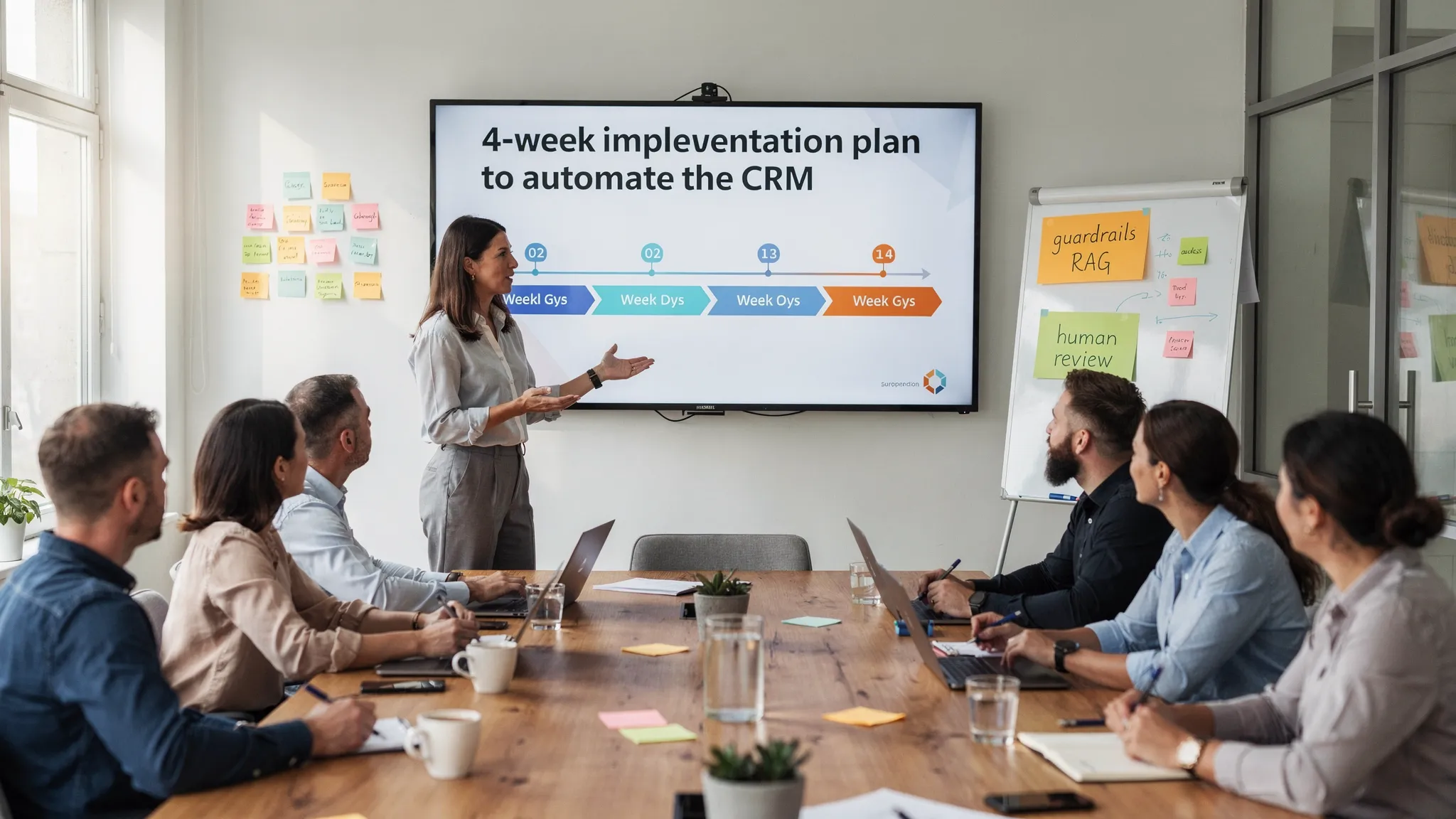
4-Week Implementation Plan
Week 1, Opportunity Audit
Map your signals and CRM fields, prioritize 3 high-value automations, define guardrails and metrics. If you are starting out, a strategic AI audit accelerates clarification.
Week 2, Instrumentation and POC
Email/calendar connectors, meeting transcripts, first extraction and scoring models, and "dry-run" in suggestion mode only. Create a traceability dashboard.
Week 3, Content Design and Training
Contextualized email templates with RAG, rapid review guides, adoption workshop for the Sales team. Adjust prompts and rules based on field feedback.
Week 4, Controlled Go Live
Progressive activation by account segment, daily monitoring, weekly incident review, and iteration of confidence thresholds.
Common pitfalls and how to avoid them
Overzealous autopilot. Start with suggestions, switch to automatic action only on high-confidence, low-risk cases.
Pipeline drift. Block automatic rollbacks and require standardized reasons for any stage change.
Imperfect deduplication. Mix exact and probabilistic matching, and offer a "merge queue" to teams.
Lost brand tone. Centralize approved prompts and examples, train the model on your dos and don'ts.
Compliance. Map processing activities, limit data sent to models, and respect consent and opt-out rules.
Tech in practice, without tool dogma
Salesforce, HubSpot, or Pipedrive can cover these flows. On the AI side, combine structured extraction, supervised scoring, and drafting assisted by language models backed by your knowledge base. What matters is not the tool brand, but design quality, traceability, and adoption by your salespeople. For more advanced orchestrations, look at our feedback on Agentic AI and MCP.
FAQ
Will automation dehumanize my customer relationship? No, if you keep humans in the loop at key moments, control the frequency of follow-ups, and impose a review on sensitive messages. AI removes friction, it does not replace empathy or commercial judgment.
What data is needed to start? Emails, calendars, meeting recordings if you have them, and key CRM fields. Start with 3 to 5 reliable signals, no more.
Can we do it with our current CRM? In most cases, yes. Major platforms offer APIs and webhooks. Workflow design and governance are more decisive than the tool.
How long for a credible POC? Four weeks is enough to prove value on 2 or 3 use cases, first in suggestion mode, then with small automatic actions.
How to avoid AI errors in follow-up emails? Anchor contents on your internal knowledge base via RAG, impose a quick review, and limit automatic sending to low-stakes cases. Measure responses and iterate.
Simple rules or predictive machine learning? Both. Start with explicit rules for obvious cases, then introduce predictive scoring on more nuanced decisions. Keep a decision log.
What about GDPR compliance? Data minimization, information and legal basis for prospecting, simple opt-out, and record of processing activities. The CNIL publishes useful guides on email prospecting.
Move from a static CRM to a CRM that acts
You are looking for a concrete plan to automate your CRM without losing the human connection? Impulse Lab designs custom web and AI platforms, performs opportunity audits, integrates your existing tools, and trains your teams, with a weekly delivery rhythm and a dedicated client portal.
Tell us about your context, pipeline, and current stack.
We map quick wins and build a pragmatic roadmap.
You get visible results in a few weeks.
Contact us to start or explore our lexicon and guides, from CRM to Lead Scoring, including RAG.