Free AI: Useful Tools Without Compromising Your Data
Intelligence artificielle
Stratégie IA
Confidentialité des données
Looking for free AI to save time without exposing documents, code, or client data? Good news: there are useful, truly free tools and usage methods that minimize risk. The challenge isn't just choosing a tool, but knowing how to use it safely.
December 09, 2025·8 min read
You are looking for free AI to save time without exposing your documents, your code, or your client data. Good news: there are useful and truly free tools, and above all, usage methods that reduce risk to a minimum. The challenge is not just choosing a tool, it is knowing under what conditions to use it, with what data, and which settings to enable to remain compliant and at peace.
This article offers a simple framework for using AI for free while respecting your confidentiality constraints, along with a selection of relevant tools. It is aimed at product, ops, marketing, data, and IT teams who want to accelerate without creating "shadow AI".
The hidden cost of free tools, and how to avoid it
"Free" often means the provider learns from your usage, collects logs, or exploits metadata. The concrete risks are known, for example, teams copying and pasting source code or client data into a public chatbot, then realizing that this content could have been seen by human reviewers or used to improve the service. The Samsung case in 2023 made a lasting impression and led to internal restrictions on the use of public chatbots [source].
Three points to understand before using free AI with corporate data:
Inputs, outputs, and attachments may be retained by the provider, sometimes reviewed by people for quality control, sometimes used for training. This depends on policies and your settings.
Regulatory obligations already exist, GDPR on the EU side source, and the European AI Act is gradually coming into force starting in 2024, with increased requirements for data governance and transparency [source]
Partial memorization by large models is documented in research, hence the caution required with sensitive or identifiable data.
The good news is that there are settings and usage pathways that strongly reduce these risks, including with free tools.
5 simple principles for using free AI without data leaks
Anthropic specifies they do not train on your data without consent, which is favorable for privacy, but remain cautious with sensitive content as it is a cloud service source.
OpenAI, on the API side, does not train on your data by default. On the free ChatGPT interface side, you must explicitly disable history or the improvement opt-in if you want no reuse sources and controls.
Google indicates that certain Gemini interactions may be read by human reviewers when it comes to improving the service. The Gemini API has a distinct and more favorable policy regarding default training sources and API.
If your organization already has eligible Microsoft 365 licenses, Copilot with commercial data protection guarantees that your prompts are not used for training and are not retained beyond the session. This is not a free consumer plan, but it is often "no extra cost" for existing licenses; validate with your IT [source].
What you can do safely, and what to avoid with free AI
OK: Drafting an article outline from a public or anonymized brief.
OK: Synthesizing a non-sensitive internal note, after removing names and identifying figures.
OK: Generating email templates, fictitious contracts, fictitious SQL queries on example schemas.
OK: Prototyping locally, with Ollama or LM Studio, prompts and tool chains.
Avoid: Pasting a client file, a CRM database, logs containing emails or phone numbers.
Avoid: Asking for a correction of proprietary code or application secrets on a public cloud service.
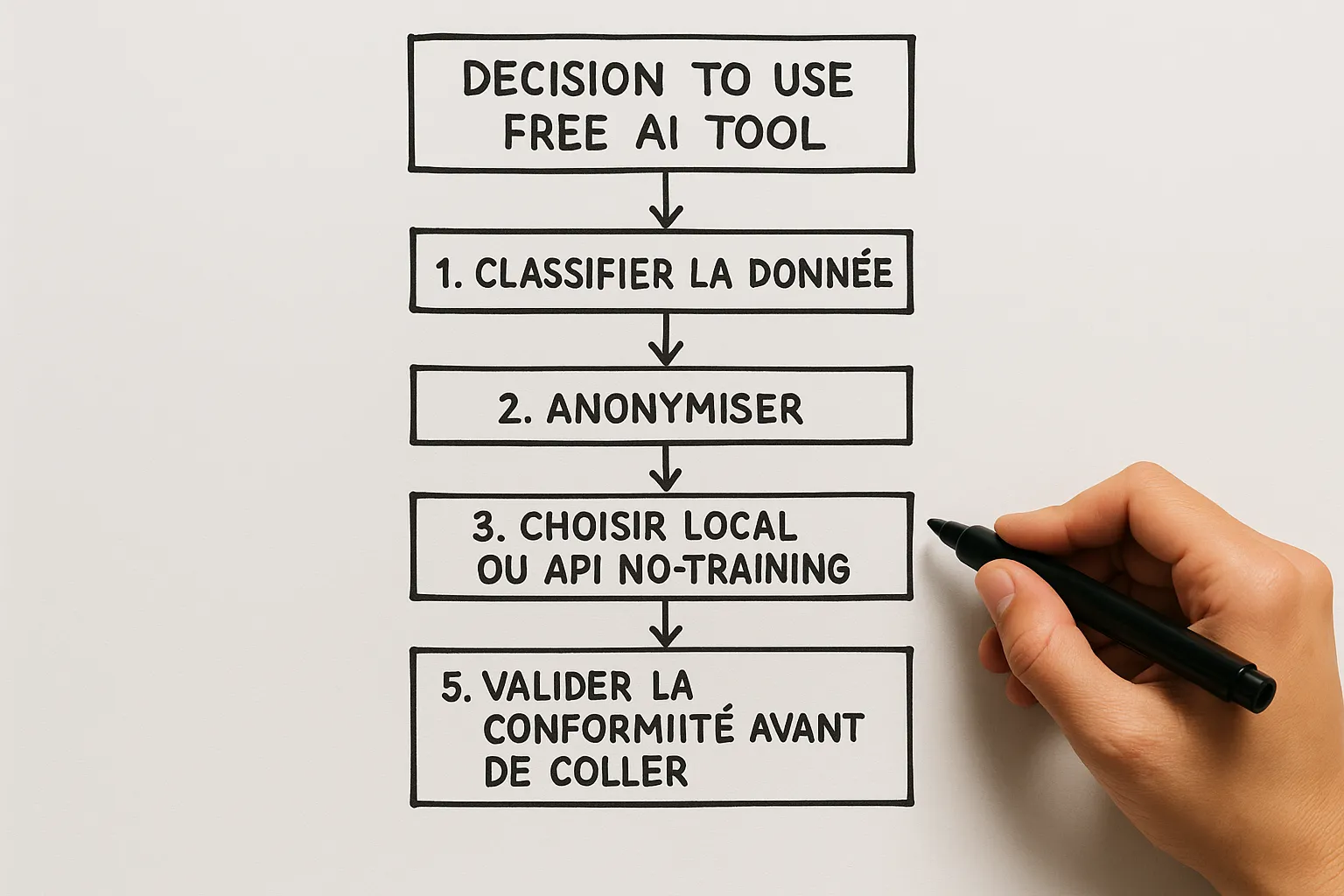
Quick checklist before pasting content into free AI
Is the content classified Green, Amber, or Red according to our internal grid.
Am I on a local tool or an API with default non-training; otherwise, are history and improvement opt-in turned off.
Have I anonymized, minimized, replaced identifiers with placeholders.
Have I logged the choice of tool and precautions taken in the ticket, PR, or internal doc.
Concrete example: Marketing
Bad scenario: The team pastes a leads export with emails into a consumer chatbot to generate segmentation. Risk: personal data leak and non-compliance.
Good scenario: The team creates a synthetic sample, removes sensitive columns, keeps only aggregates by segment, then asks for an activation plan. For real segmentation, they use a local notebook or a no-training API with identifier hashing.
Concrete example: Product and documentation
Locally with Ollama, the team reformulates changelogs and generates release notes from a summary without sensitive details. Then, the publication on the site is reviewed and validated by a human.
Setting up a mini internal policy for free usage: express model
Scope: Authorized tools, default preference for local, no-training API, or services already covered by your internal DPA.
Classification: Red, Amber, Green data grid, concrete examples by department.
Settings: History deactivation, improvement opt-out, mandatory anonymization.
Logging: Note the tool used and the type of data, without pasting raw data into a ticket.
Training: 60 minutes for everyone, use cases by team, anti-patterns, GDPR reminder.
This model aligns with risk governance recommendations by NIST AI RMF source, to be adapted to your context.
When to move from free to custom-made
Free is perfect for learning, prototyping, and framing your use cases. From the moment you handle client data, large volumes, or when productivity depends on an automated flow, you benefit from moving to a personalized, integrated, and compliant platform, for example:
A RAG document assistant deployed locally or in VPC, connected to your tools, with logs and governance.
Process automation: extraction, normalization, human validation, traceability.
Fine integration with your existing tools, SSO, DLP, and retention policies.
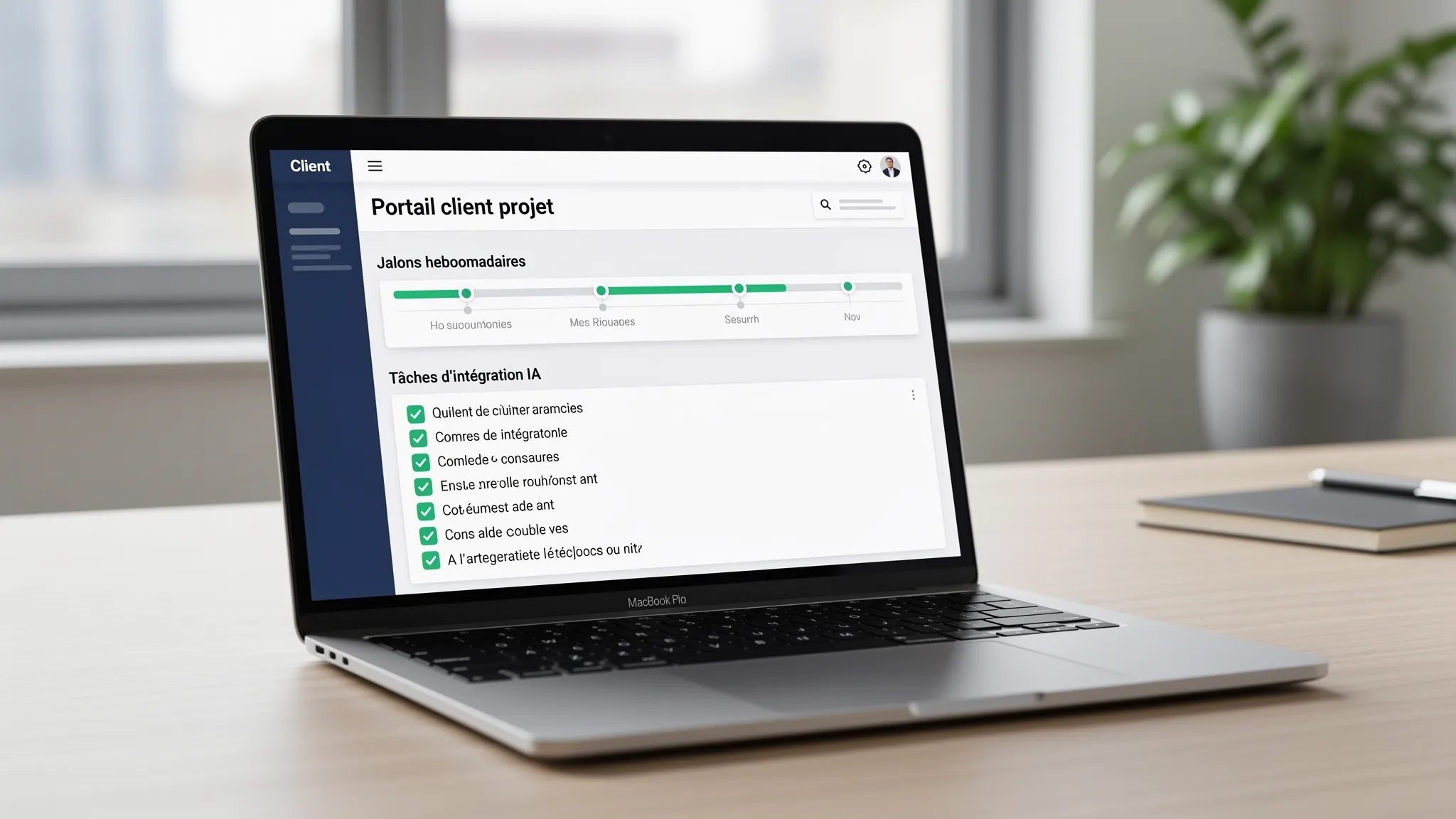
This is precisely where the Impulse Lab team can help you: AI opportunity audit, development of custom web and AI platforms, integrations, adoption training, with a weekly delivery rhythm and a dedicated client portal to track progress. Tell us about your context, and we will recommend a realistic path, from POC to production.
—
This content is informative; it does not constitute legal advice. Always check provider data policies before use. If you want a quick audit of your free AI usage and a secure roadmap, contact Impulse Lab, impulselab.ai.